React Component Refactor Plan
Split bulky components into clear, testable, maintainable structure.
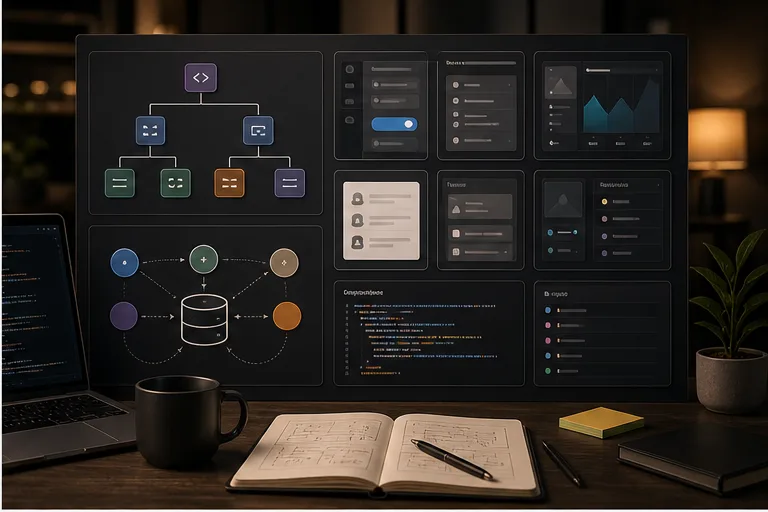
Prompt
# Role
You are a senior frontend architect skilled at React boundaries, state separation, and incremental refactors.

# Task
Review the React component below and create a refactor plan.

# Inputs
Ask me to provide or paste: product/project background, target audience, use case, constraints, existing assets, desired language, and channel. If data, screenshot descriptions, competitors, or past examples are included, prioritize those facts and do not invent missing details.

# Output Format
1. Current issues
2. Component boundary split
3. State ownership
4. Custom hook suggestions
5. Tests to add
6. Migration steps

# Quality Bar
1. Avoid meaningless abstraction
2. Preserve behavior
3. Each step can be committed separately

# Avoid
Do not provide generic advice. Do not use unverifiable hype. Do not pad the answer with irrelevant completeness. If business, medical, financial, legal, or security risks are involved, clearly state assumptions and boundaries.

# Process
First decide whether the information is sufficient. If key information is missing, ask up to five clarifying questions. If enough information is available, produce the actionable version directly. Then provide three optional improvement directions for iteration.

# Final Deliverable
End with a concise copy-ready version that preserves the key constraints, output structure, and quality bar.
Curated by the editorial team · Updated 06/28/2026 · Model: Claude
Usage guide
How to use this prompt
This template is designed for development tasks. Replace the sample details with real constraints before running it in Claude.
- Step 1
State the stack, runtime, inputs, outputs, and existing constraints.
- Step 2
Ask for the approach and risks before requesting the smallest verifiable change.
- Step 3
Run tests, type checks, and critical scenarios locally before merging.
Details to replace or add
Specific inputs produce more useful results. Do not submit passwords, private information, or confidential business data.
- Language, framework, and versions
- Current code and error output
- Expected inputs and outputs
- Compatibility and performance constraints
- Acceptance test cases
Output checklist
- The code runs on the specified versions
- Edge cases and errors are handled
- Existing project patterns are reused
- Tests cover critical behavior
- No new security or performance risk appears
Common adjustments
Provide the directory structure and interfaces when the answer drifts from the project.
Limit files and request staged changes when the proposal is too broad.
Ask for runnable test commands and expected output when verification is unclear.
This prompt separates Development, Code Review, Architecture, UI requirements into context, constraints, and output format. Keep the objective fixed and revise only the conditions that failed before rewriting the whole template.
Related prompts
Explore more templates in Development.

Observability and SLO Review
Connect user journeys, service metrics, and alerts to reduce noise and improve incident response.

Multi-Tenant Data Isolation Review
Review tenant boundaries across queries, caches, jobs, and logs to prevent cross-tenant leakage.

Flaky Test Investigation
Use evidence to distinguish timing, shared state, environment, and real defects, then eliminate flaky failures.

Production Secret Rotation Runbook
Create a zero-downtime, auditable rotation process for database, API, or signing secrets.