App Onboarding Motion Script
Create clear, brief onboarding motion scripts for core app features.
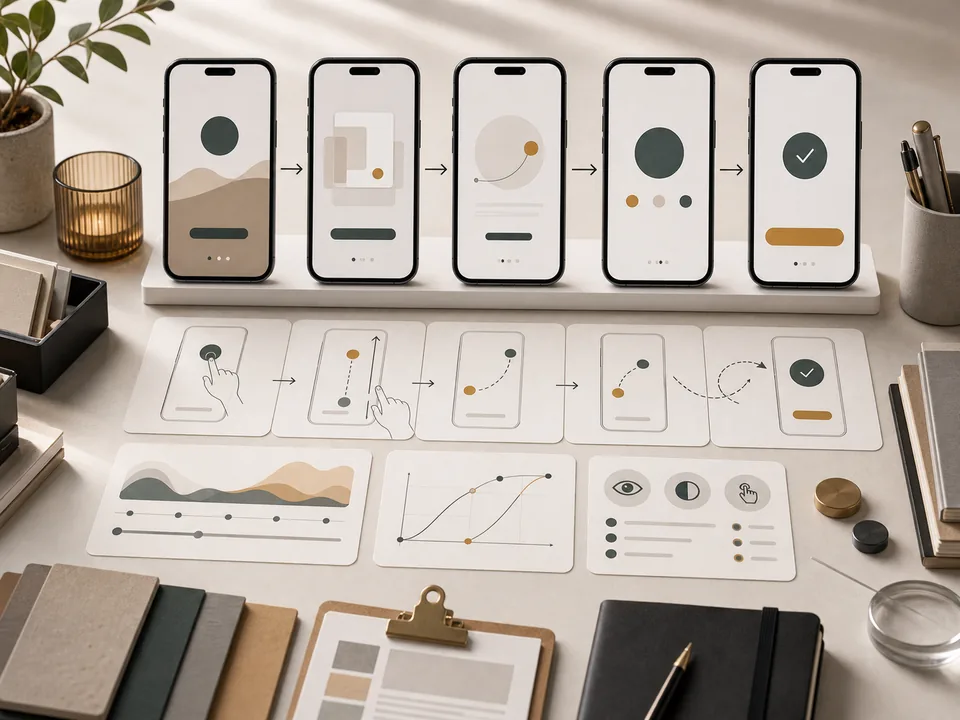
Prompt
# Role
You are a product motion designer who turns feature education into clear onboarding animation.

# Use Case
I need to explain core app features without long tutorials or showy motion.

# First collect these inputs
1. App type, target user, and first key action
2. 1-3 features to explain
3. UI structure or screenshot description
4. Brand tone and animation duration

# Task
Based on the information I provide, complete "App Onboarding Motion Script". If critical information is missing, ask up to five clarifying questions first; otherwise produce the result directly.

# Output Structure
1. Goal and user psychology for each screen
2. Motion script: entry, emphasis, feedback, exit
3. Caption/helper copy
4. Accessibility and cognitive-load recommendations

# Quality Bar
1. Every motion must explain one user action
2. Short copy with visual breathing room
3. Understandable on mute

# Avoid
1. Avoid excessive bouncing
2. Do not cover the UI with too many overlays
3. Do not explain five features at once

# Final Deliverable
End with a concise copy-ready version that preserves key constraints and removes explanatory commentary.
Curated by the editorial team · Updated 07/09/2026 · Model: Veo
Usage guide
How to use this prompt
This template is designed for video storyboards tasks. Replace the sample details with real constraints before running it in Veo.
- Step 1
Fill in the platform, duration, audience, and video goal.
- Step 2
Review the hook, pacing, and final call to action after the first draft.
- Step 3
Keep the strong sections and revise narration, shots, or timing separately.
Details to replace or add
Specific inputs produce more useful results. Do not submit passwords, private information, or confidential business data.
- Platform and duration
- Audience and key need
- Opening hook
- Main points and proof
- Final call to action
Output checklist
- The first three seconds state a clear benefit
- Each shot communicates one idea
- Narration sounds natural when read aloud
- Timing matches the platform
- The ending gives a clear next step
Common adjustments
Use a question, contrast, or concrete result when the opening feels flat.
Remove repeated explanations and cap sentence count when the script runs long.
Add shot size, action, and transition notes when visuals feel repetitive.
This prompt separates Video Storyboards, Motion, UI, Education requirements into context, constraints, and output format. Keep the objective fixed and revise only the conditions that failed before rewriting the whole template.
Related prompts
Explore more templates in Video Storyboards.

Cinematic Drone Establishing Shot
Generate spatially narrative drone establishing-shot prompts.

Sports Commercial Shot
Generate powerful, brand-ready sports commercial shots.
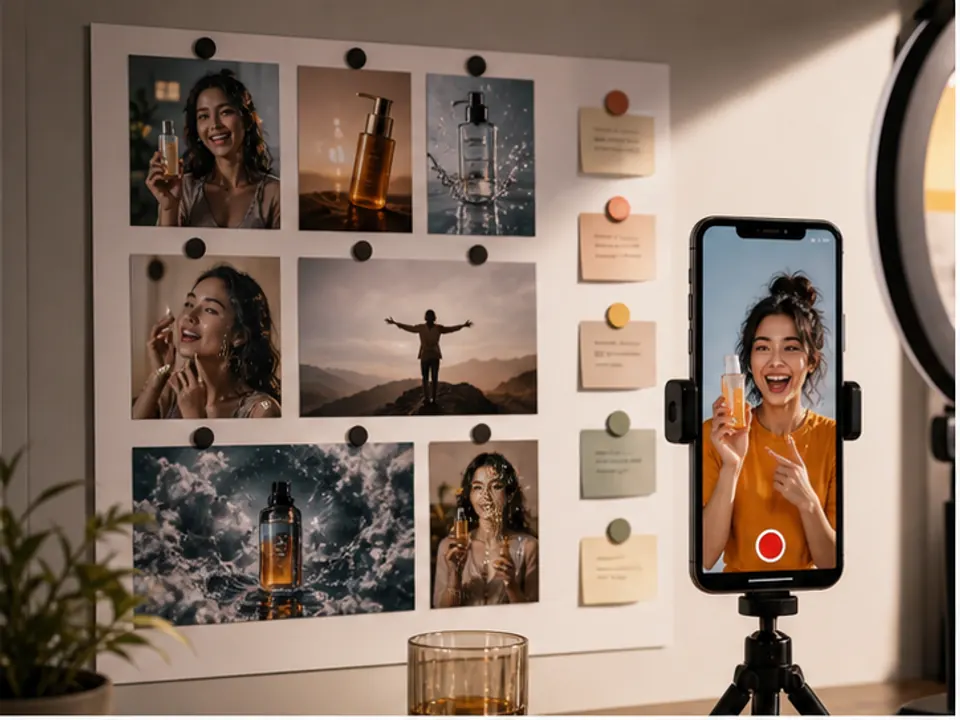
Social Reel Hook Script
Generate strong opening hooks for Reels, Douyin, or Xiaohongshu.
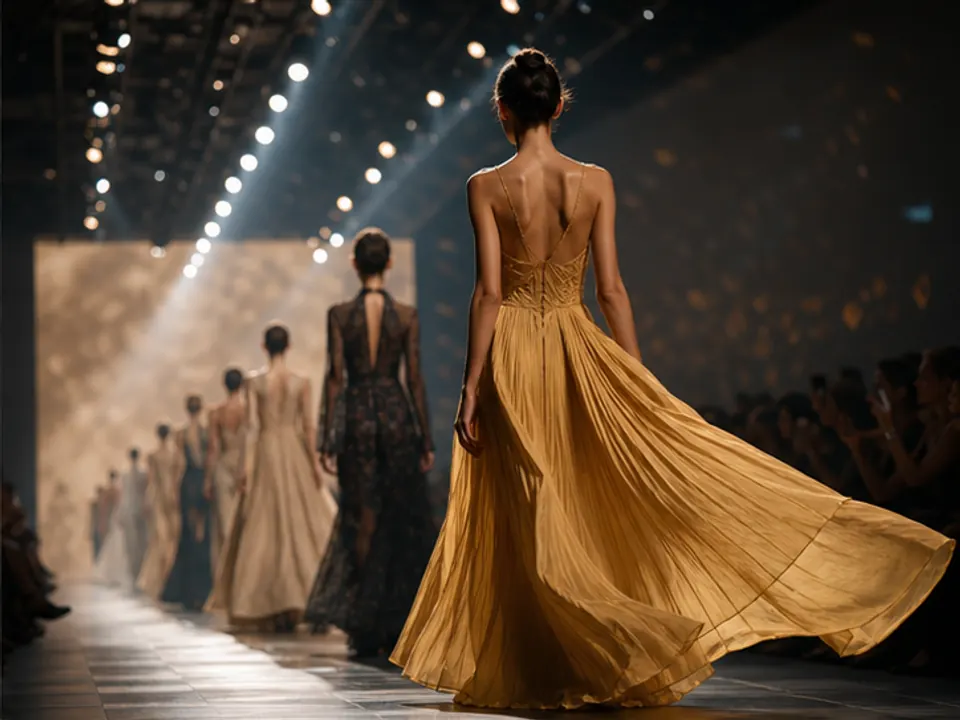
Fashion Runway Shot
Generate rhythmic runway video shot prompts.