Luxury Skincare Hero Visual
Generate a premium skincare hero visual for a brand homepage.
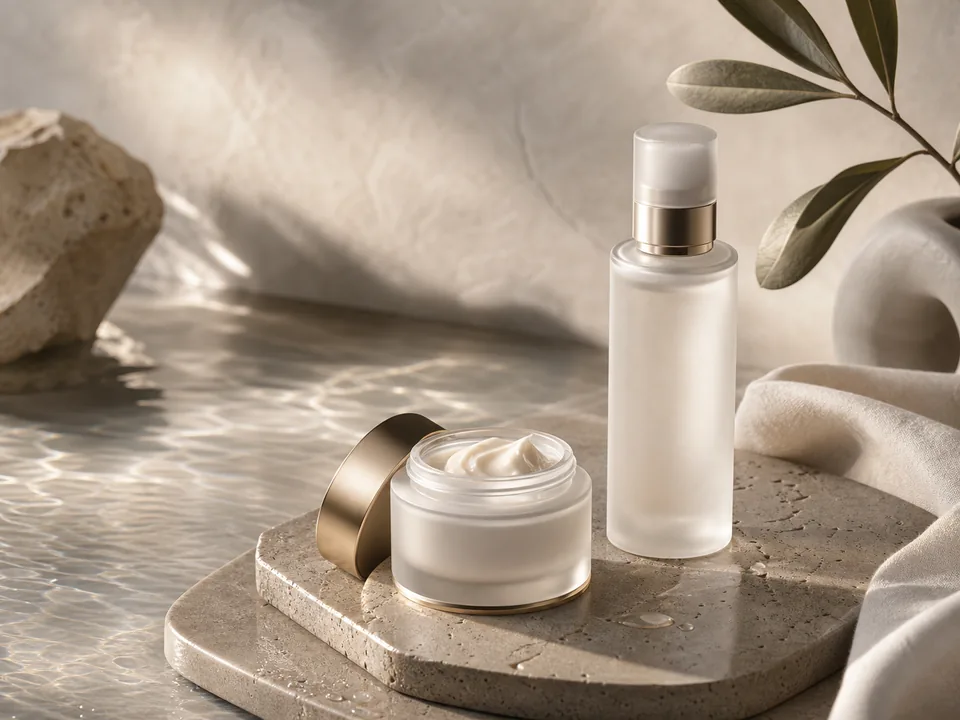
Prompt
# Role
You are a senior commercial photography prompt designer for skincare, fragrance, and beauty.

# Use Case
I need a skincare hero visual for homepage, poster, or ad testing with premium credible texture.

# First collect these inputs
1. Product type, color, material, and packaging
2. Brand tone and target audience
3. Hero benefit or ingredient
4. Aspect ratio, channel, and negative space needs

# Task
Based on the information I provide, complete "Luxury Skincare Hero Visual". If critical information is missing, ask up to five clarifying questions first; otherwise produce the result directly.

# Output Structure
1. Complete English image prompt
2. Explanation of subject, scene, composition, lighting, and materials
3. Negative prompt and avoid list
4. Three variations of the same concept

# Quality Bar
1. Avoid gibberish text, fake logos, and cheap effects
2. Use photographic language for light, lens, and material
3. Product form must be clearly visible

# Avoid
1. Do not equate premium with black-and-gold backgrounds
2. Do not overcrowd props
3. Do not obscure the product with mist or petals

# Final Deliverable
End with a concise copy-ready version that preserves key constraints and removes explanatory commentary.
Curated by the editorial team · Updated 07/09/2026 · Model: GPT Image
Usage guide
How to use this prompt
This template is designed for image creation tasks. Replace the sample details with real constraints before running it in GPT Image.
- Step 1
Define the intended use, subject, and audience before replacing the variables.
- Step 2
Run the complete prompt once in the target model to establish a baseline.
- Step 3
Review composition, lighting, and details, then change only one or two conditions at a time.
Details to replace or add
Specific inputs produce more useful results. Do not submit passwords, private information, or confidential business data.
- Subject and action
- Use case and aspect ratio
- Composition and camera angle
- Lighting, color, and material
- Elements to exclude
Output checklist
- The subject is clear and not distorted
- The composition fits the intended layout
- Text, hands, and edges are usable
- Color matches the theme or brand
- No unwanted objects appear
Common adjustments
Move the subject, action, and position earlier when the focal point is weak.
Remove conflicting style terms when the visual direction is inconsistent.
Add negative constraints and use inpainting when small details fail.
This prompt separates Image Creation, Visual Style, Premium, Product requirements into context, constraints, and output format. Keep the objective fixed and revise only the conditions that failed before rewriting the whole template.
Related prompts
Explore more templates in Image Creation.
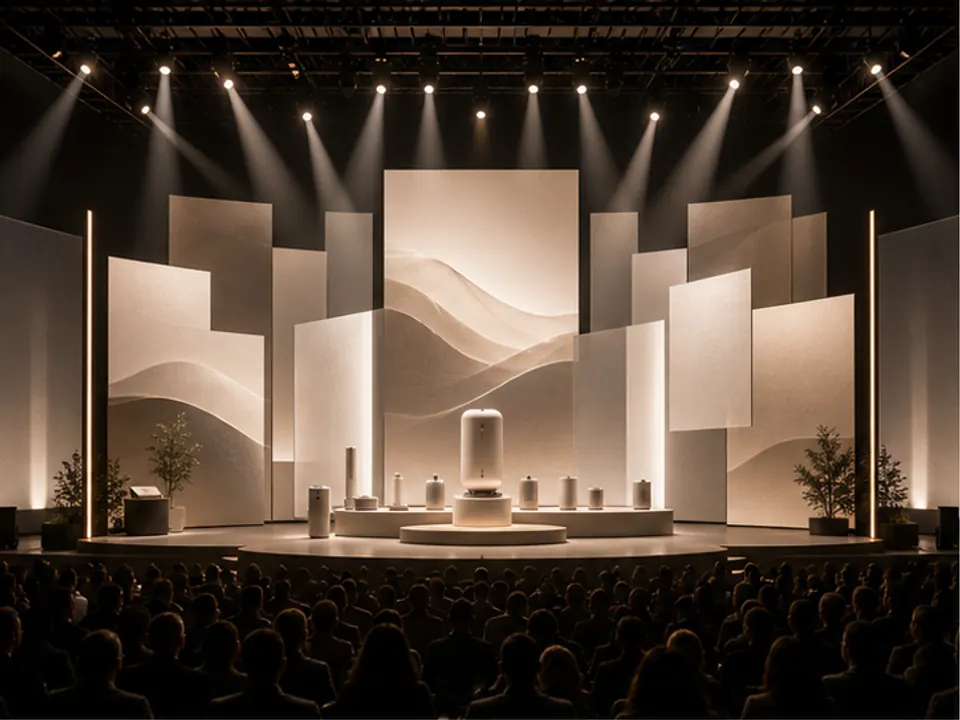
Event Stage Visual
Generate stage visual direction for launches, conferences, or brand events.
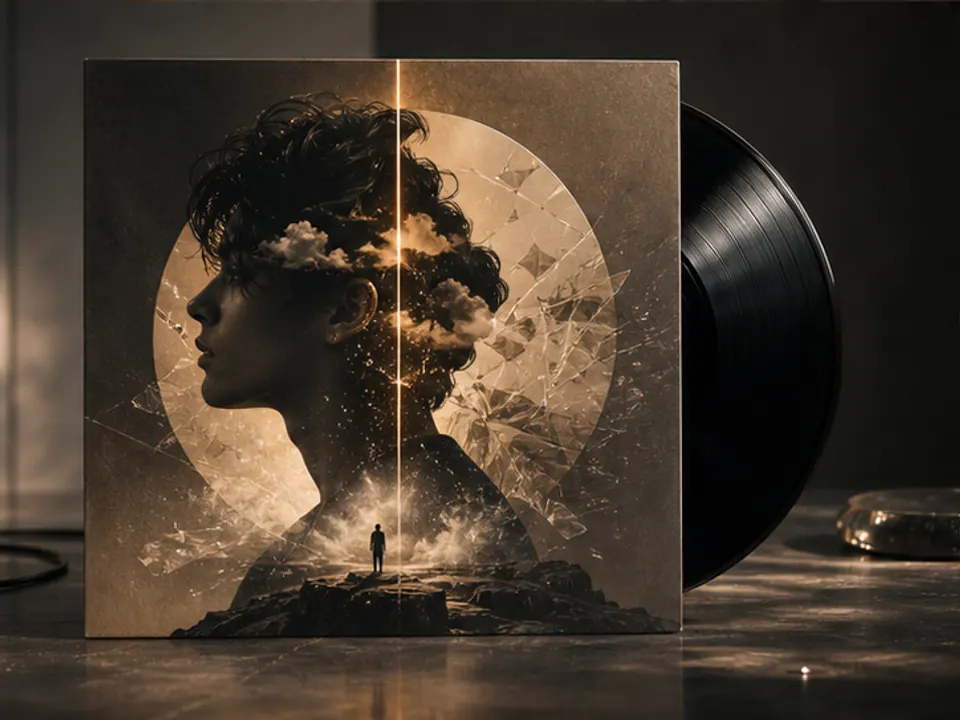
Album Cover Art Direction
Turn a musical mood into a distinctive album cover visual.
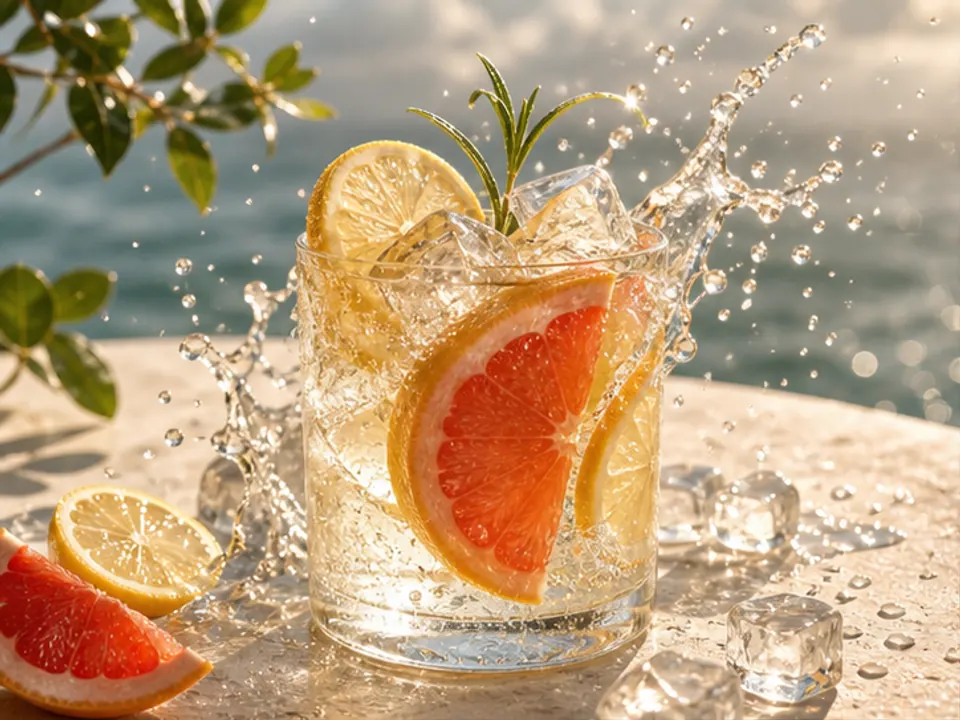
Beverage Poster Concept
Create a refreshing and memorable beverage advertising visual.
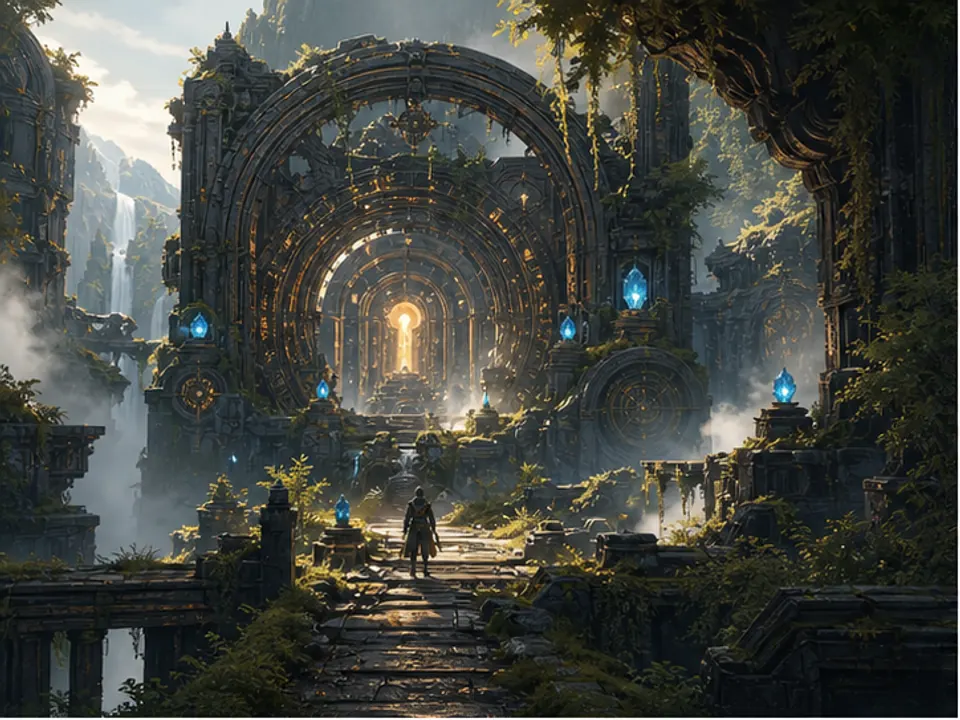
Game Environment Concept
Generate environment concept art for level mood exploration.