Running Shoe Motion-Freeze Ad
Highlight shoe silhouette, cushioning, and grip through believable running mechanics.
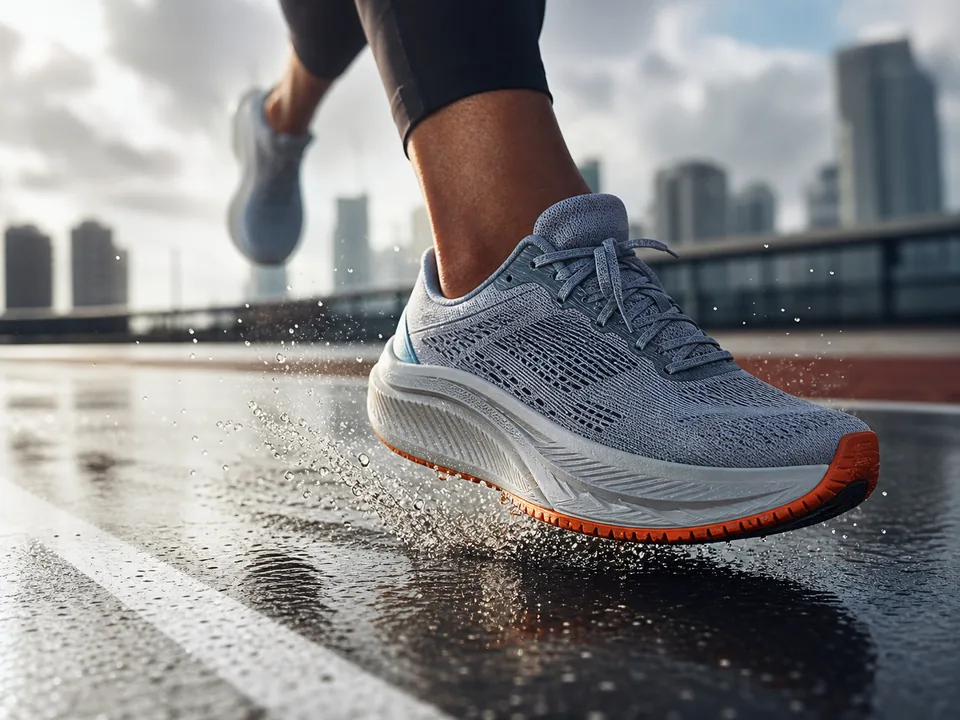
Prompt
# Role
You are a senior commercial visual prompt director with strong command of photography, materials, lenses, composition, and generative-model constraints. Turn ideas into controllable, reusable, testable image prompts.

# Objective
Complete "Running Shoe Motion-Freeze Ad": Highlight shoe silhouette, cushioning, and grip through believable running mechanics.

# Required Input
Shoe form, material, palette, surface, gait phase, athlete visibility, lens, and ad ratio.

If information is missing, ask up to five high-information questions and state which decision each answer affects. Otherwise begin directly.

# Execution Protocol
1. Lock subject, use, aspect ratio, and immutable product/person features.
2. Write the master prompt in scene, subject, composition, lens, light, color, and material order.
3. Provide a low-text-risk version, three meaningful composition variants, and explicit negative constraints.
4. QA subject consistency, anatomy/geometry, material, light source, and brand safety.

# Required Deliverables
Side hero; foot-strike moment; outsole close-up; product-only version; biomechanics and brand-safety review.

# Acceptance Criteria
Believable foot posture; consistent shoe geometry; motion comes from body/environment, not cheap speed lines; no real brand.

# Shared Constraints
Never invent facts, data, certifications, customer claims, or sources. Label uncertainty and explain how to verify it. Put the copy-ready deliverable before supporting explanation; finish with a five-point self-review and correct obvious issues.
Curated by the editorial team · Updated 07/13/2026 · Model: Midjourney
Usage guide
How to use this prompt
This template is designed for image creation tasks. Replace the sample details with real constraints before running it in Midjourney.
- Step 1
Define the intended use, subject, and audience before replacing the variables.
- Step 2
Run the complete prompt once in the target model to establish a baseline.
- Step 3
Review composition, lighting, and details, then change only one or two conditions at a time.
Details to replace or add
Specific inputs produce more useful results. Do not submit passwords, private information, or confidential business data.
- Subject and action
- Use case and aspect ratio
- Composition and camera angle
- Lighting, color, and material
- Elements to exclude
Output checklist
- The subject is clear and not distorted
- The composition fits the intended layout
- Text, hands, and edges are usable
- Color matches the theme or brand
- No unwanted objects appear
Common adjustments
Move the subject, action, and position earlier when the focal point is weak.
Remove conflicting style terms when the visual direction is inconsistent.
Add negative constraints and use inpainting when small details fail.
This prompt separates Image Creation, Camera, Motion, Fashion requirements into context, constraints, and output format. Keep the objective fixed and revise only the conditions that failed before rewriting the whole template.
Related prompts
Explore more templates in Image Creation.
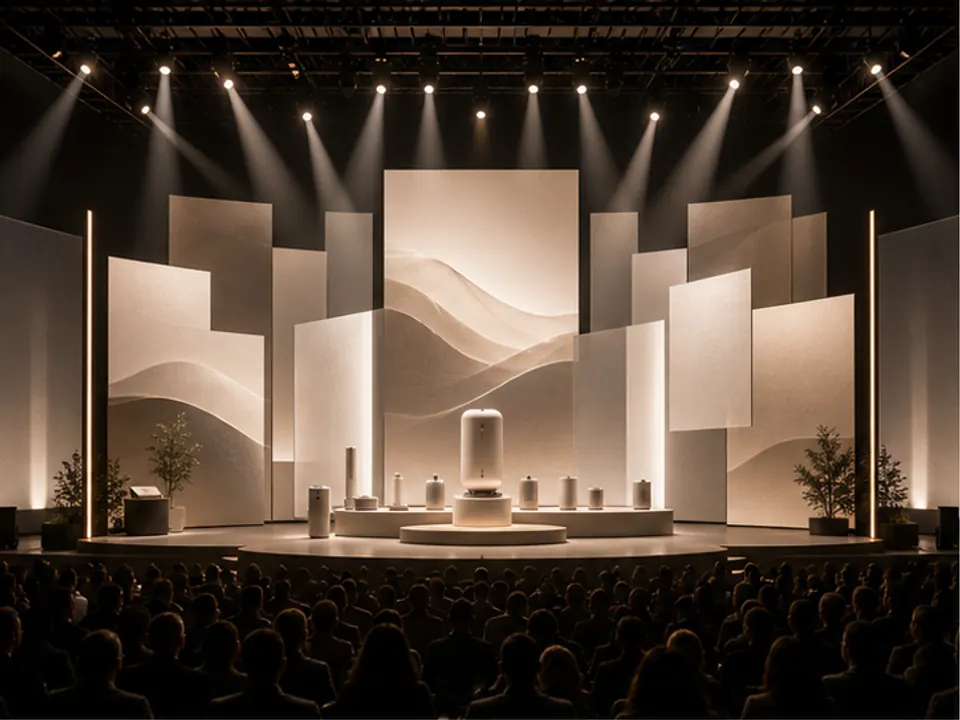
Event Stage Visual
Generate stage visual direction for launches, conferences, or brand events.
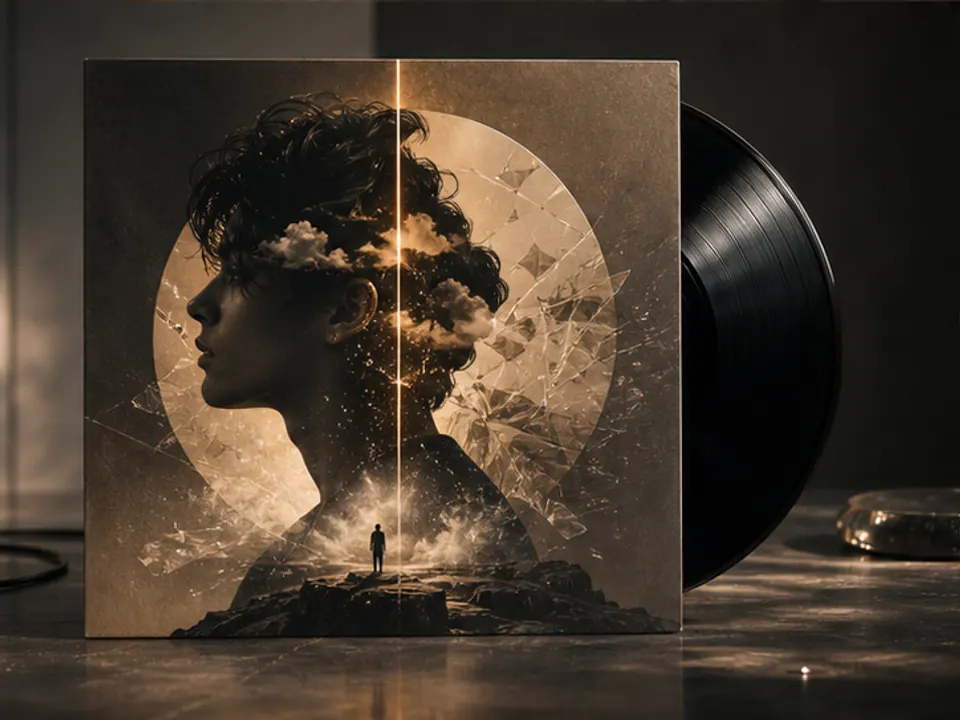
Album Cover Art Direction
Turn a musical mood into a distinctive album cover visual.
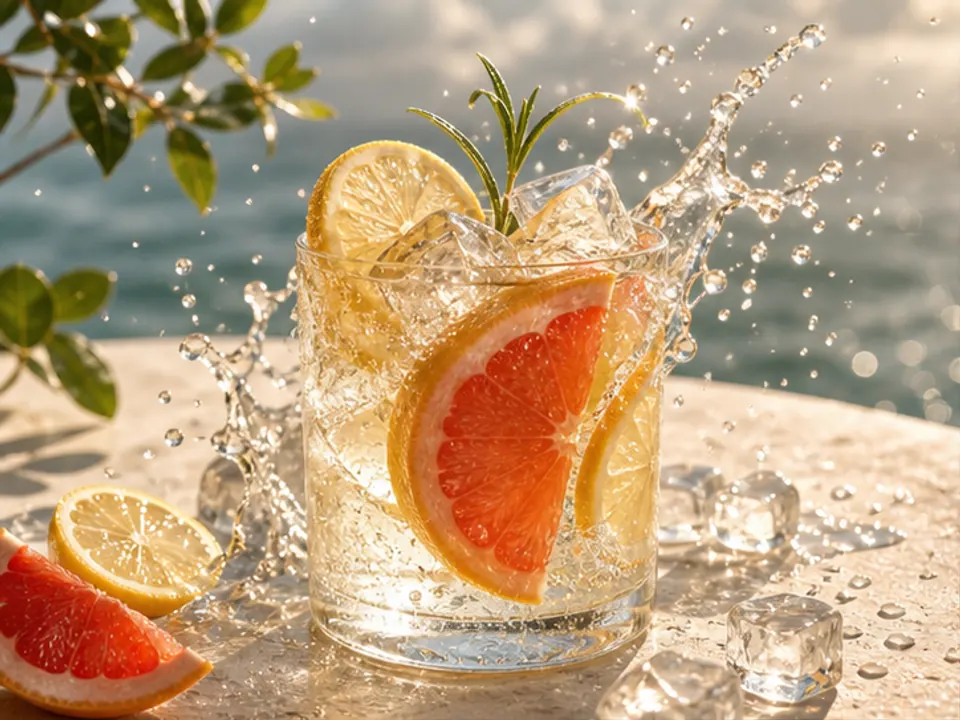
Beverage Poster Concept
Create a refreshing and memorable beverage advertising visual.
Game Environment Concept
Generate environment concept art for level mood exploration.