Food Commercial Photography
Generate appetizing commercial visuals for food and beverage products.
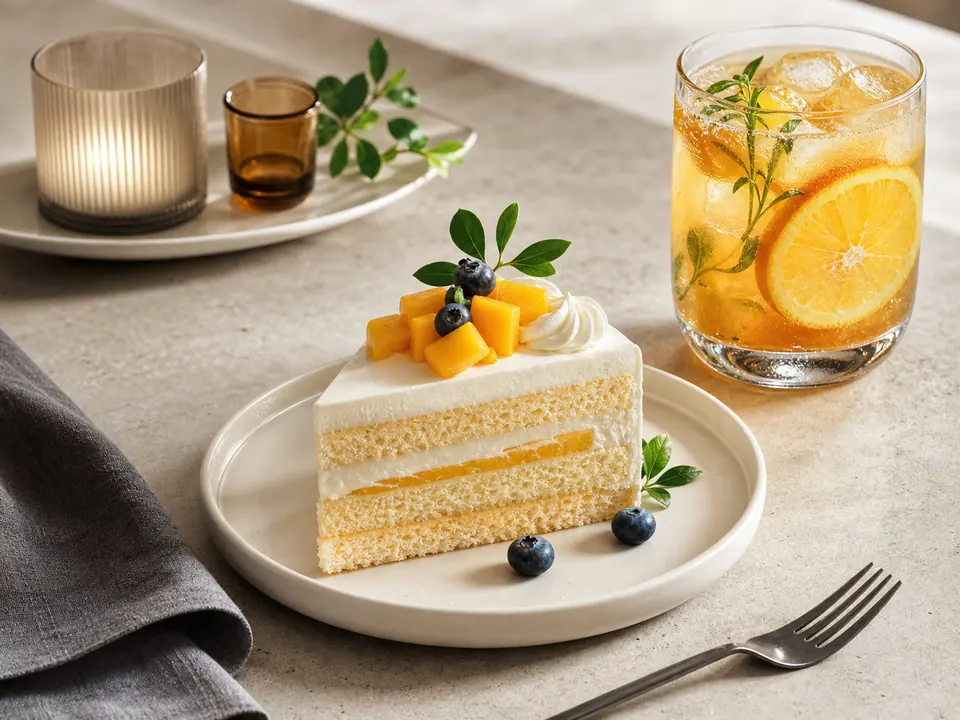
Prompt
# Role
You are a senior AI visual prompt designer who turns vague requests into controllable, commercially useful image prompts.

# Original Task
Create a commercial food or beverage photograph for the item below: make the subject fresh and appetizing with realistic texture, moisture, steam, or chill. Use a few props and a natural tabletop setting. Lighting should be soft and craveable, suitable for e-commerce details or brand social posts. No text, logo, watermark, distorted utensils, or inedible-looking texture.

# Inputs
Ask me for the necessary background: goal, audience, product/project, use case, existing assets, constraints, channel, and language. Prioritize provided facts and do not invent missing details.

# Output Format
1. Subject and core selling point
2. Scene, composition, light, material, and camera language
3. Style keywords and mood
4. Negative prompt
5. Channel and crop suggestions

# Quality Bar
1. Be specific and actionable, not generic
2. Ask up to five clarifying questions if information is missing
3. State assumptions clearly
4. Avoid unverifiable hype and risky claims

# Process
First decide whether the information is sufficient. If not, ask key questions. If yes, produce the actionable version directly. End with a concise copy-ready version.
Curated by the editorial team · Updated 06/28/2026 · Model: GPT Image
Usage guide
How to use this prompt
This template is designed for image creation tasks. Replace the sample details with real constraints before running it in GPT Image.
- Step 1
Define the intended use, subject, and audience before replacing the variables.
- Step 2
Run the complete prompt once in the target model to establish a baseline.
- Step 3
Review composition, lighting, and details, then change only one or two conditions at a time.
Details to replace or add
Specific inputs produce more useful results. Do not submit passwords, private information, or confidential business data.
- Subject and action
- Use case and aspect ratio
- Composition and camera angle
- Lighting, color, and material
- Elements to exclude
Output checklist
- The subject is clear and not distorted
- The composition fits the intended layout
- Text, hands, and edges are usable
- Color matches the theme or brand
- No unwanted objects appear
Common adjustments
Move the subject, action, and position earlier when the focal point is weak.
Remove conflicting style terms when the visual direction is inconsistent.
Add negative constraints and use inpainting when small details fail.
This prompt separates Image Creation, Visual Style, Premium, Commerce requirements into context, constraints, and output format. Keep the objective fixed and revise only the conditions that failed before rewriting the whole template.
Related prompts
Explore more templates in Image Creation.
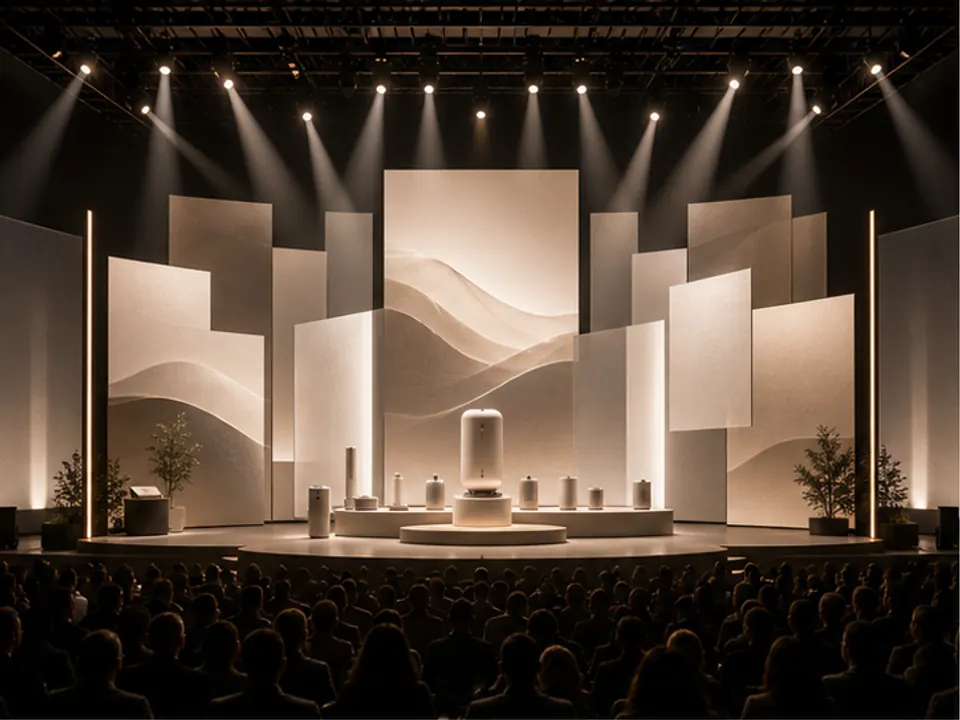
Event Stage Visual
Generate stage visual direction for launches, conferences, or brand events.
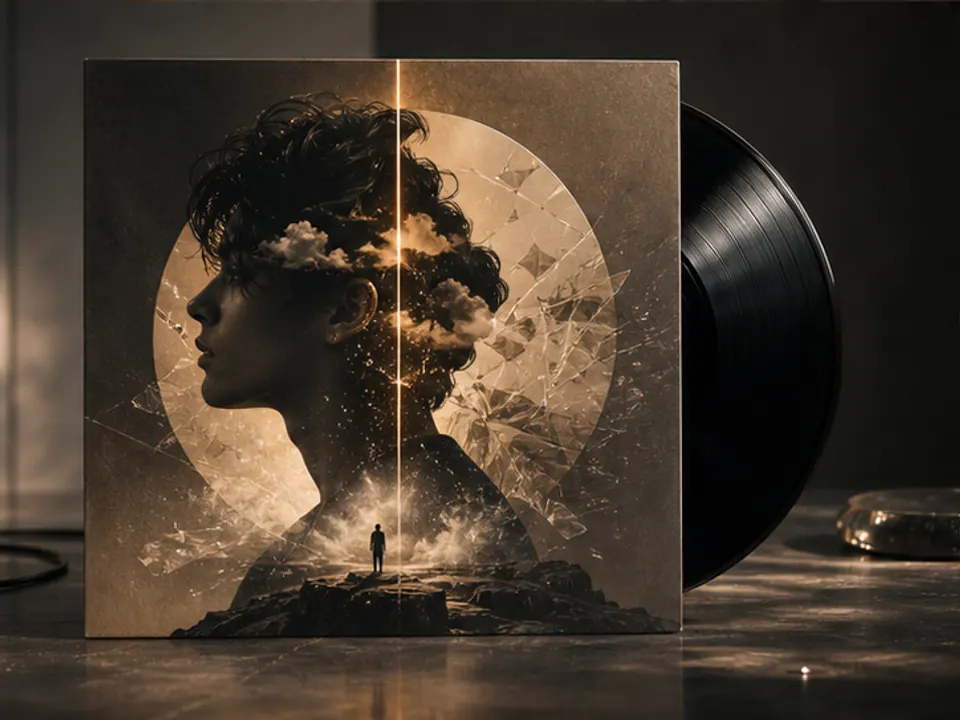
Album Cover Art Direction
Turn a musical mood into a distinctive album cover visual.
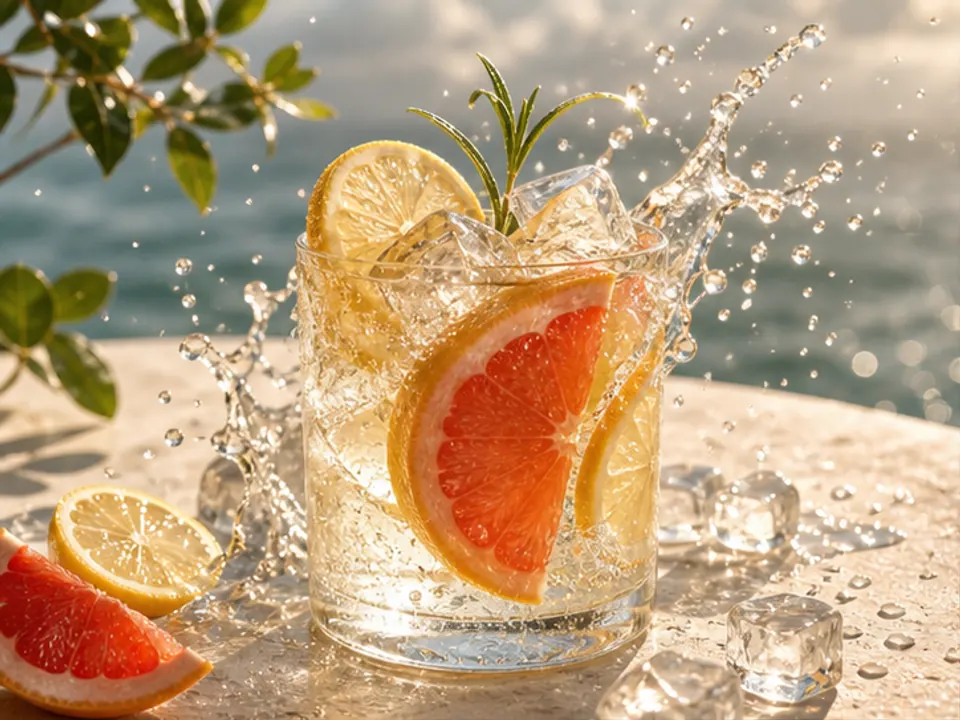
Beverage Poster Concept
Create a refreshing and memorable beverage advertising visual.
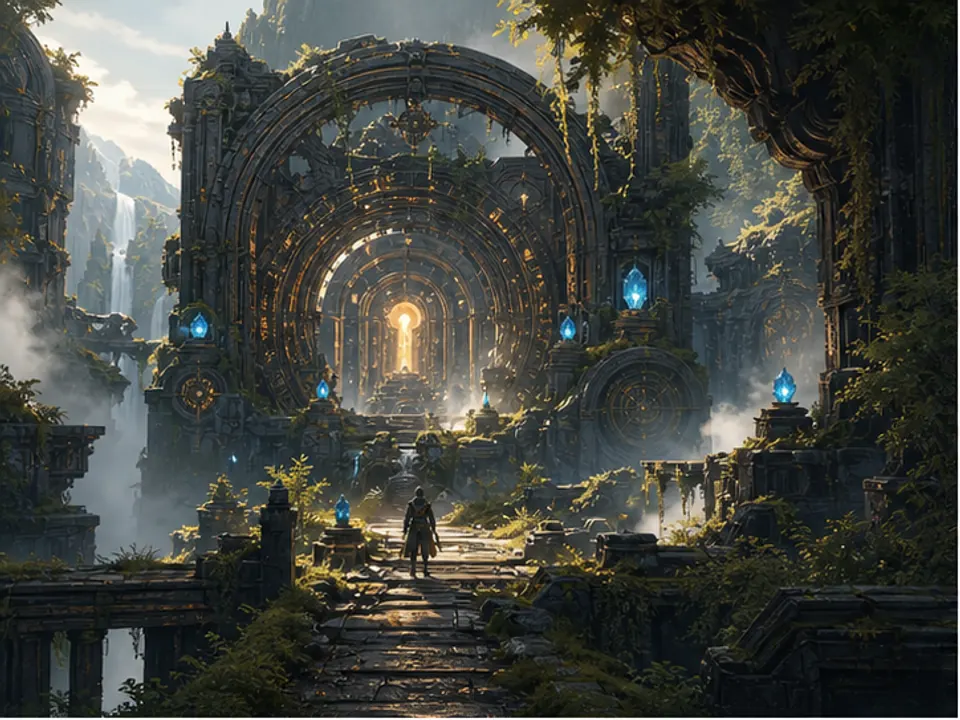
Game Environment Concept
Generate environment concept art for level mood exploration.